Ghost
Description
Ghost is an open-source publishing platform and CMS designed for creating websites, blogs, newsletters, and membership-based publications. It provides tools for publishing content, managing users and subscriptions, sending email newsletters, and monetizing content. Ghost can be used with a built-in theme or as a headless CMS through its REST APIs.
Getting started
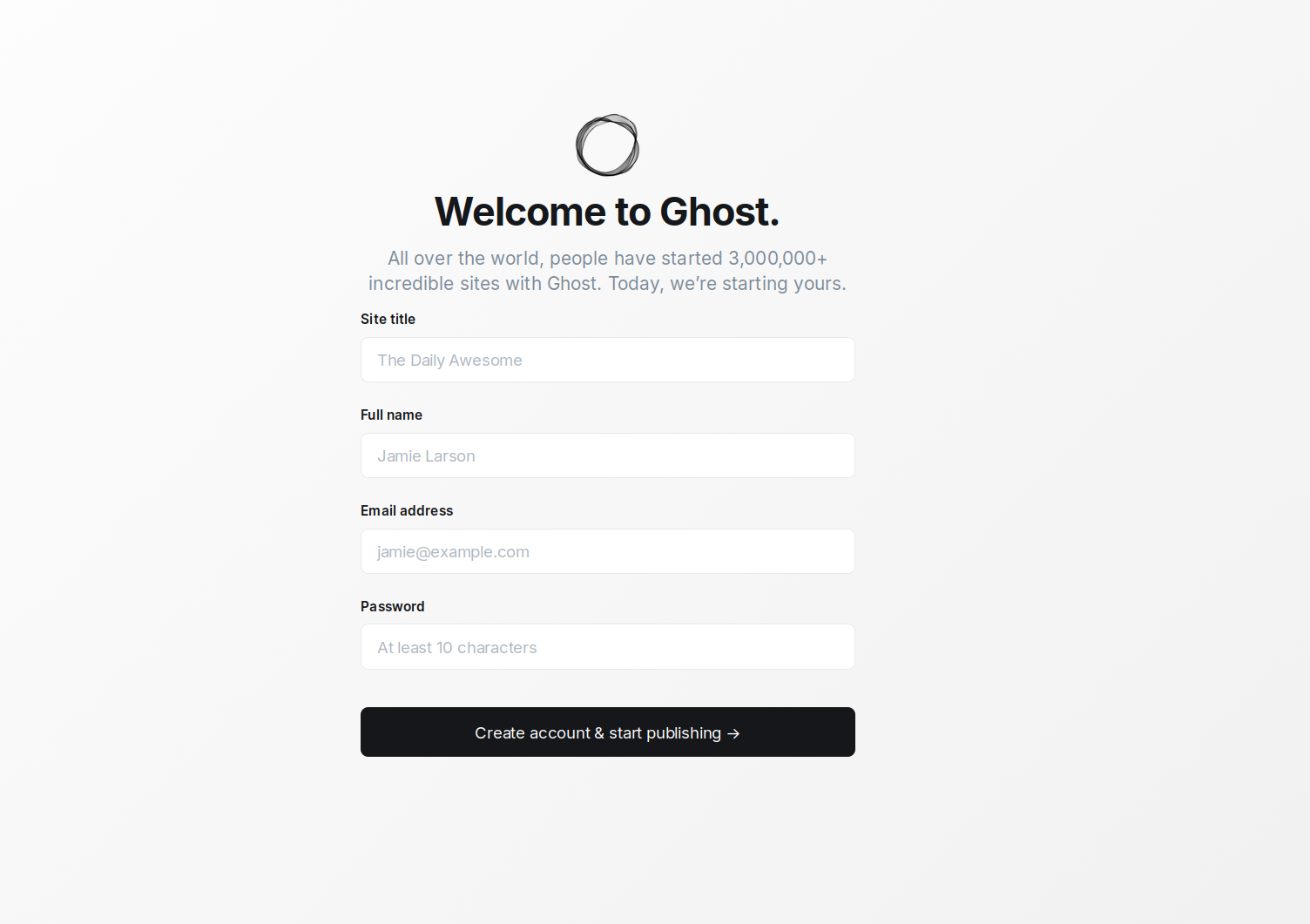
After installing the image, the Ghost setup page will be available at https://example.com/ghost, where example.com is the hostname of your server
Changing domain
If you wish to use your own domain, or subdomain, to access the Ghost, you will need to SSH into the server as root and run the command:
add_domain
You will be prompted to enter a domain or subdomain in the format subdomain.example.com.
Make sure your domain exists and is pointed to the IPv4 address of your server!
When the script finishes, a Let's Ecnrypt certificate will be issued for the specified domain or subdomain and the web-interface will be available at https://example.com/, where example.com is the previously specified domain (subdomain).
Software installed
| Name | License |
|---|---|
| Ghost | MIT license |
| NGINX | BSD 2-Clause |
Useful links
For more information about the installed packages, please refer to their official documentation: